Speed
Checks every 1, 10 or 60 minutes
Choose the check speed that fits each hunt: every 1 minute for urgent searches, every 10 minutes for active searches, and every 60 minutes for slower background searches.
Flexible check speeds, smarter filtering and alerts that fit your workflow. Build from fields or Custom URL mode, then review matches across web, iOS and Android.












Check speed, filters and app access
Faster checks are only half the win. The alerts need to be relevant, and they need to land where you can act before the best listings are gone.
Speed
Choose the check speed that fits each hunt: every 1 minute for urgent searches, every 10 minutes for active searches, and every 60 minutes for slower background searches.
Filtering
Search filters, Custom URL mode, title and location keyword rules, match reasons, AI relevance, and filtered-out listings show what to tighten or loosen next.
App access
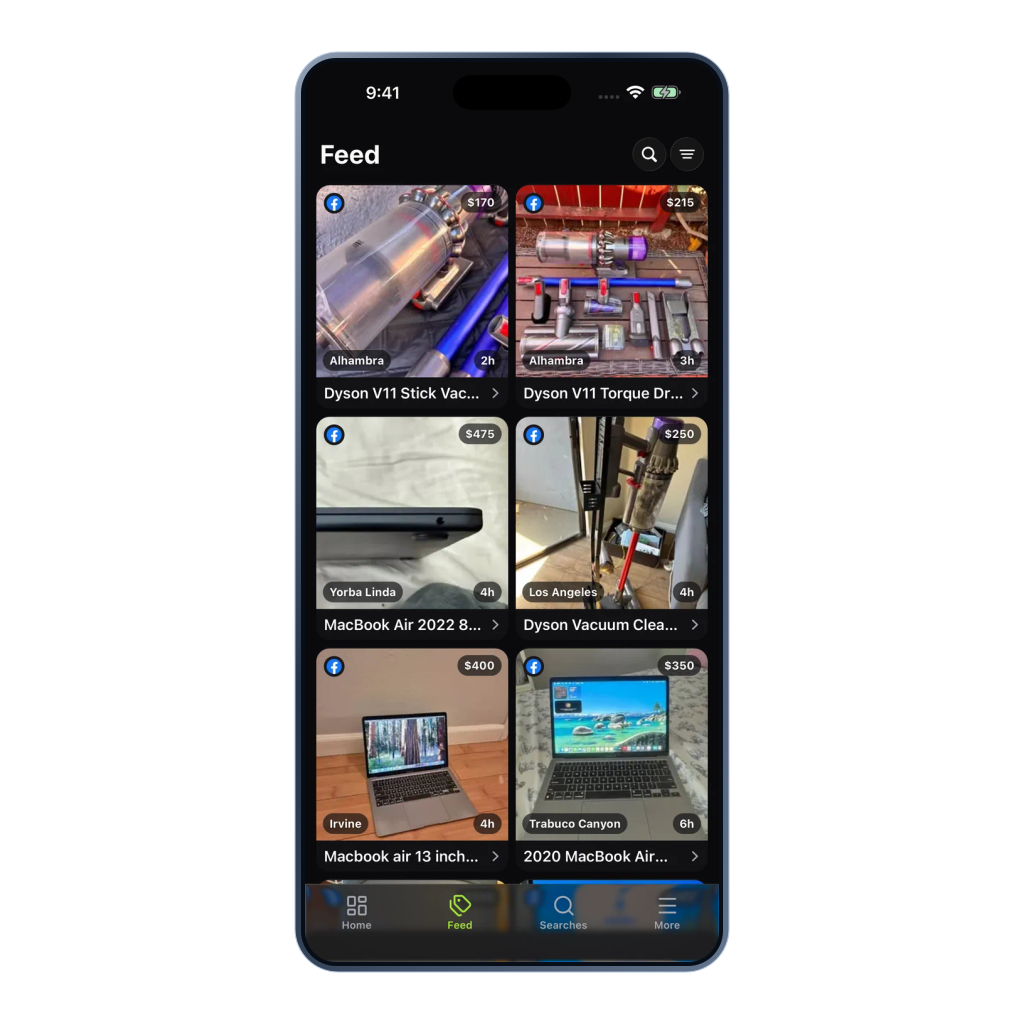
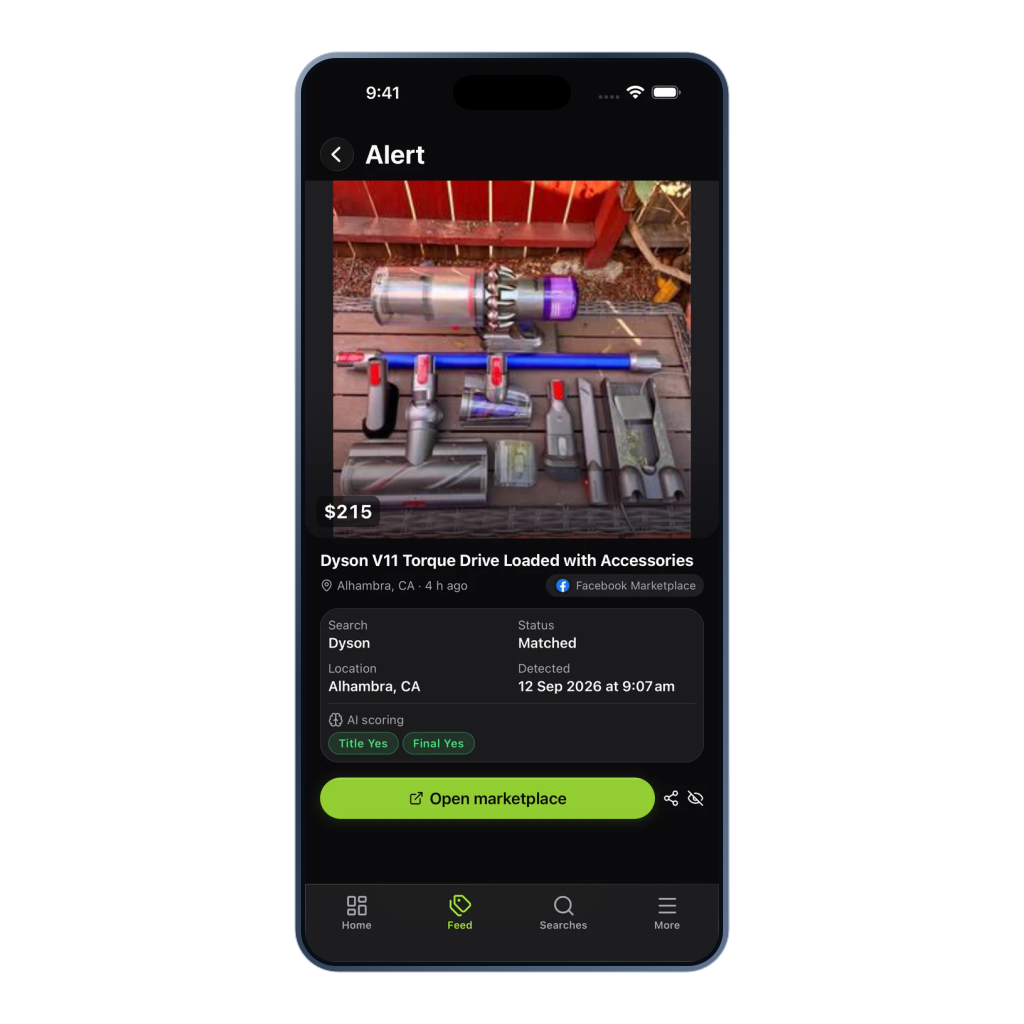
Review matches in the dashboard or app, then open the original listing and contact the seller while the opportunity is still hot.
Use signed webhooks for new-listing matches and price decreases in your dashboards, trackers, and automations.
Explore webhook alertsCore workflow
Create a search, set filters for relevant listings and choose where you receive alerts.
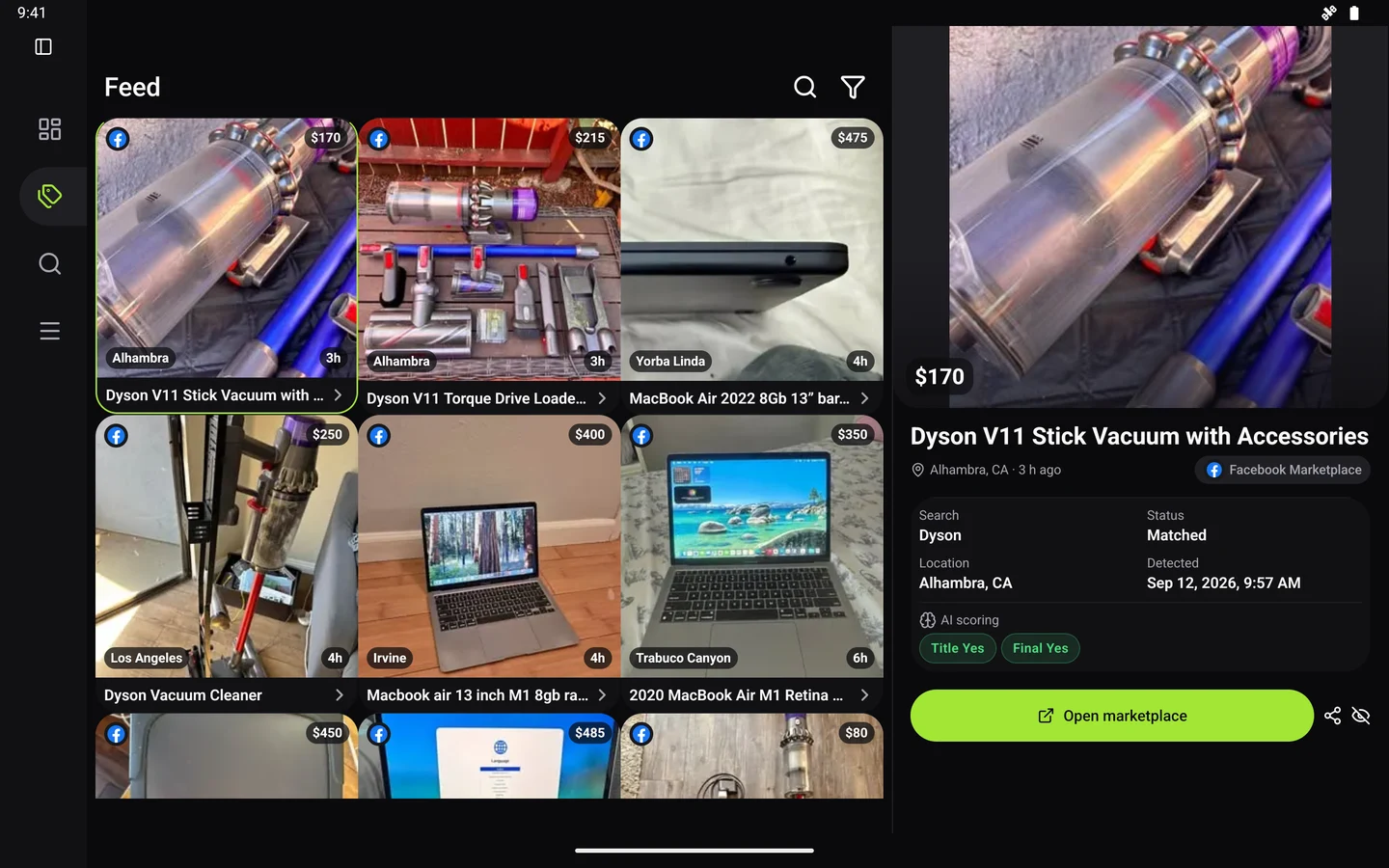
Product proof
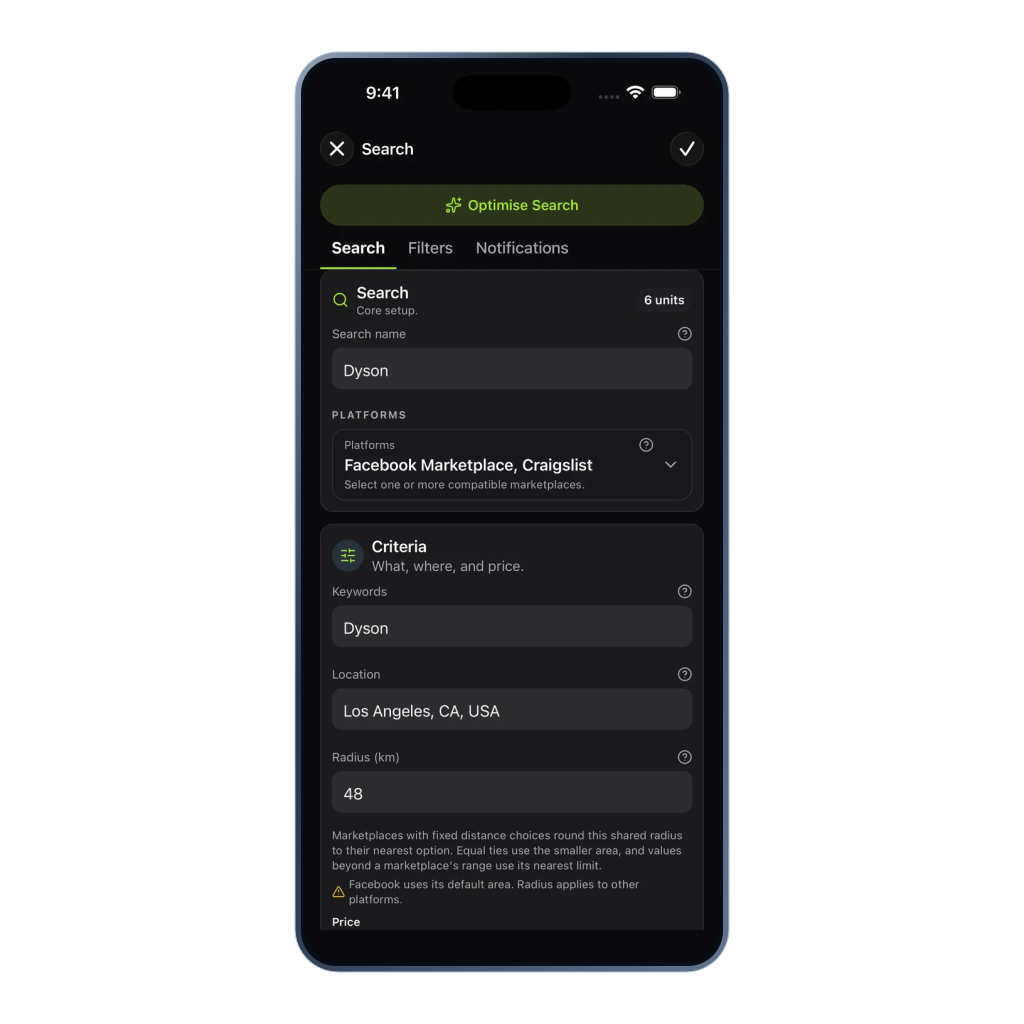
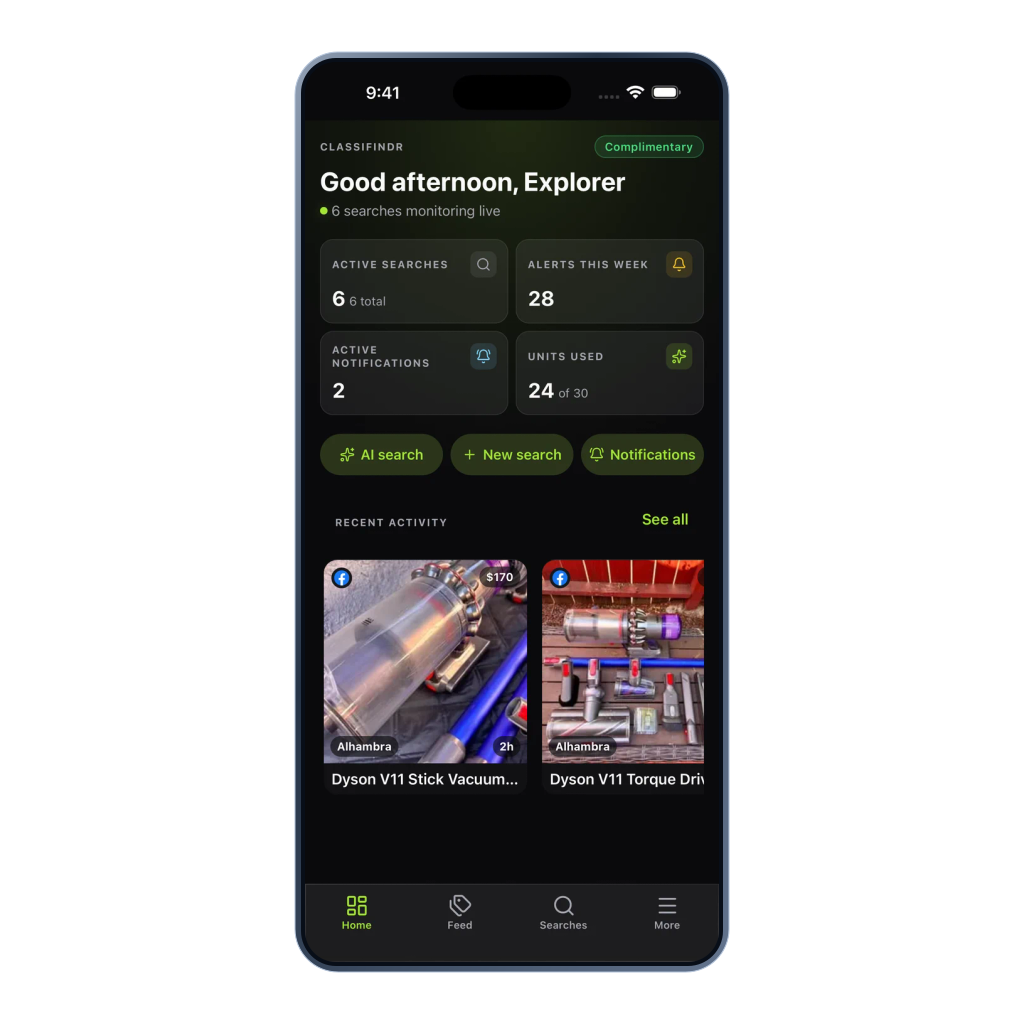
The dashboard is built for repeatable deal hunting. See active searches, inspect why a listing matched or was filtered out, tune the rules, and keep marketplace accounts separate from your Classifindr setup. When a supported marketplace search URL already carries advanced filters, Custom URL mode lets that URL become the starting point.
Monitor Auto Trader, Cazoo, Facebook Marketplace, Gumtree AU and UK, Craigslist, Trade Me, Kijiji, OfferUp, Poshmark, Pinkbike, Vinted, eBay, Mercari, and Chrono24 from one account, with the search setup each marketplace supports.
Edit keywords, price range, radius, filters, and check speed as the hunt changes.
Paste a supported marketplace search URL you already built, then layer title and location keyword rules, AI relevance, filtered review, and alerts on top.
See matched and filtered-out listings with reasons so tuning is based on real seller wording.
See whether each search is running normally so you are not guessing in the dark.
Pause a search and its units become available for the next hunt.
Classifindr does not ask for or store marketplace login details.
Web and mobile
The native apps keep high-intent alerts close through mobile push, while the web app stays ready for deeper setup and review. Same searches, same account, same data.