iOS and Android push notifications
Alerts can reach your phone through the standard iOS and Android push systems, subject to device and platform settings.
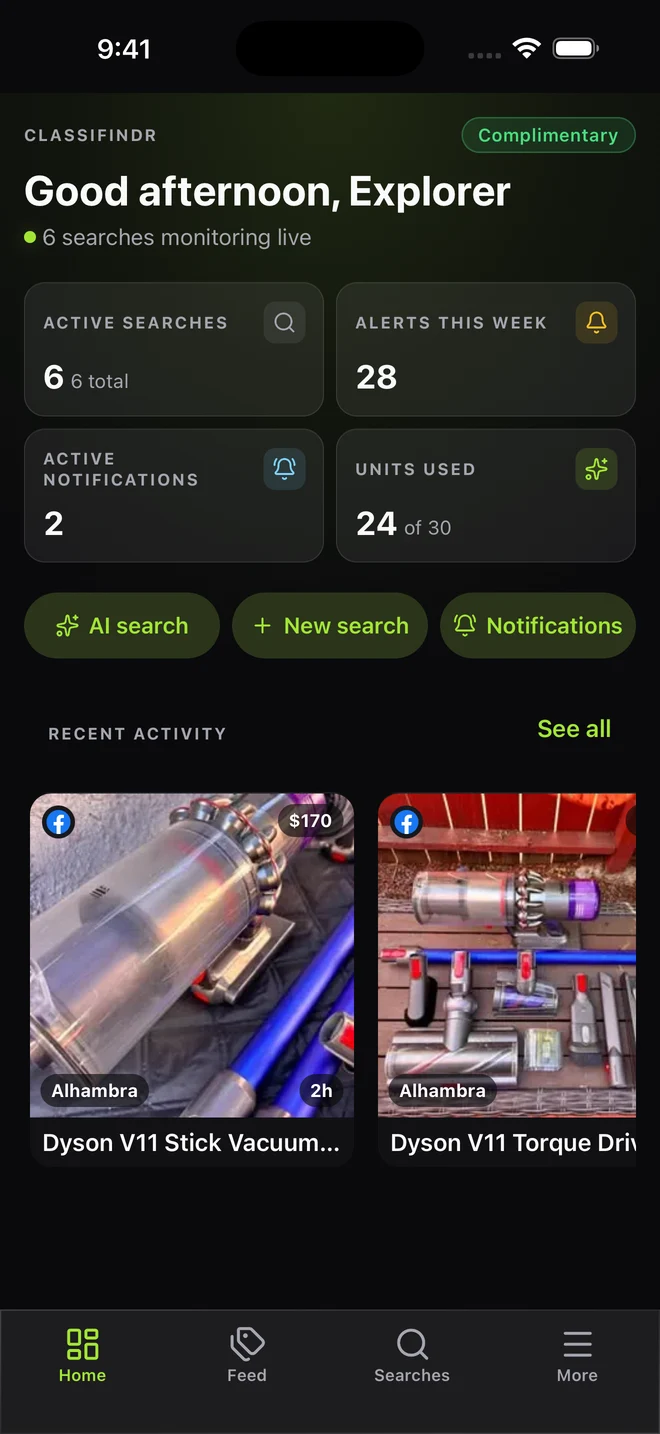
Your searches, matches and alerts, together on iOS and Android. One account keeps everything in sync.

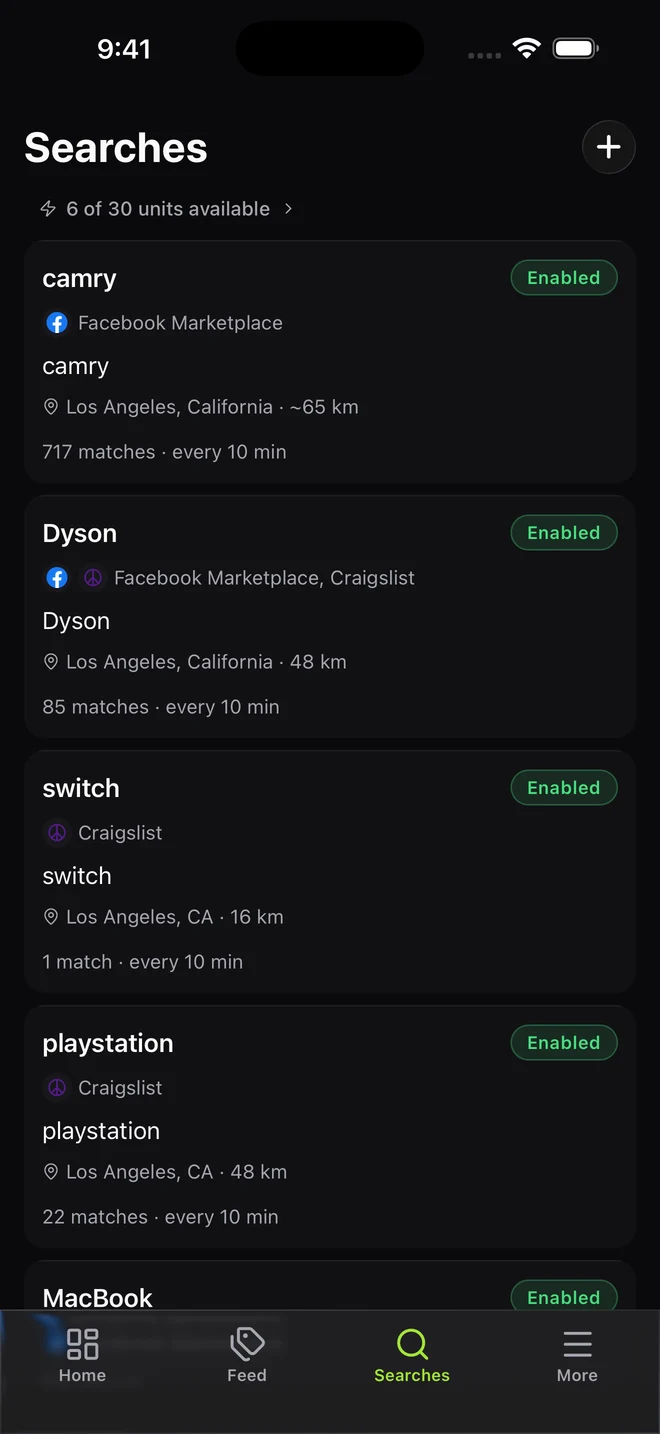
Your searches.
Synced across devices.
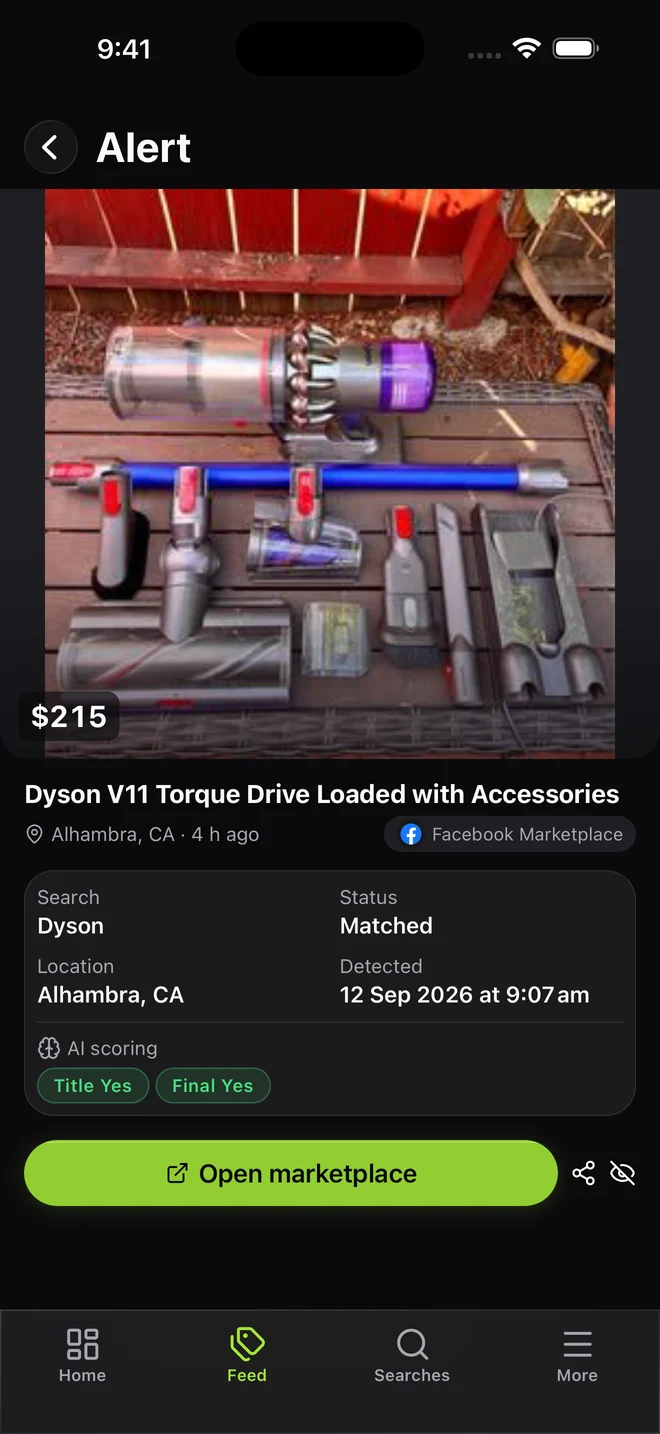
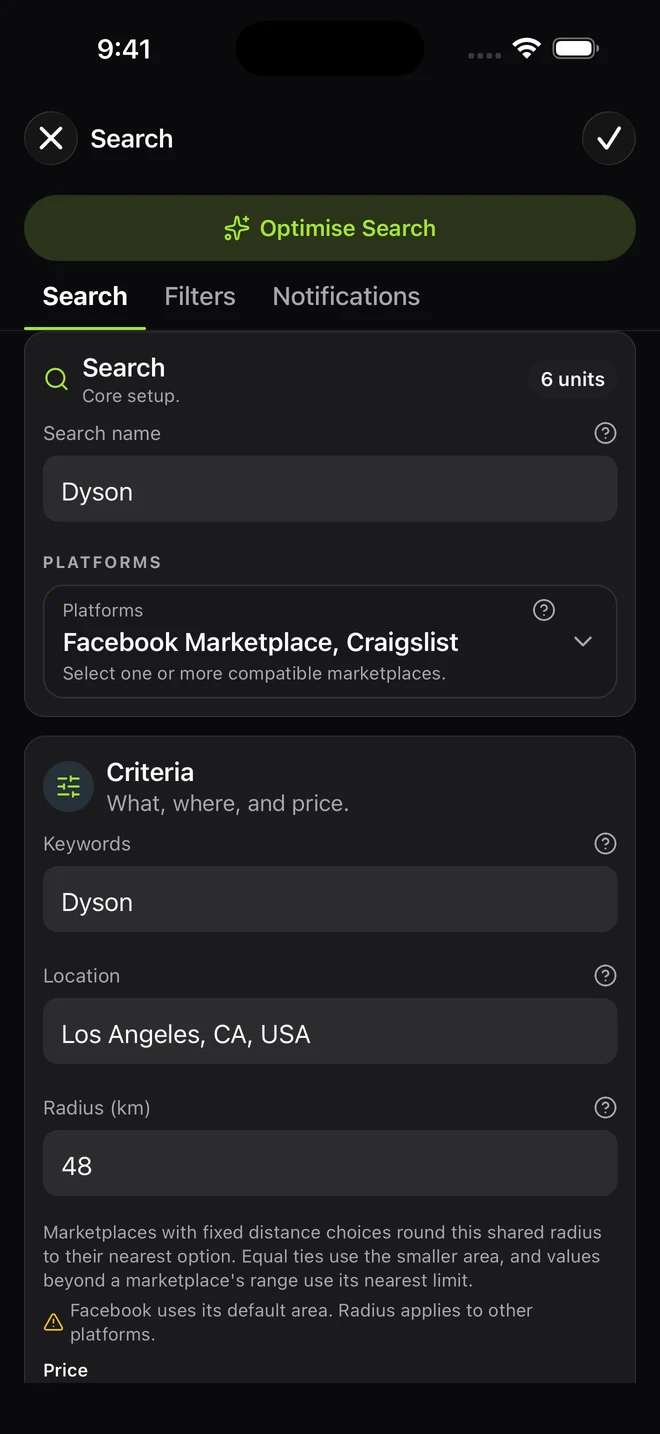
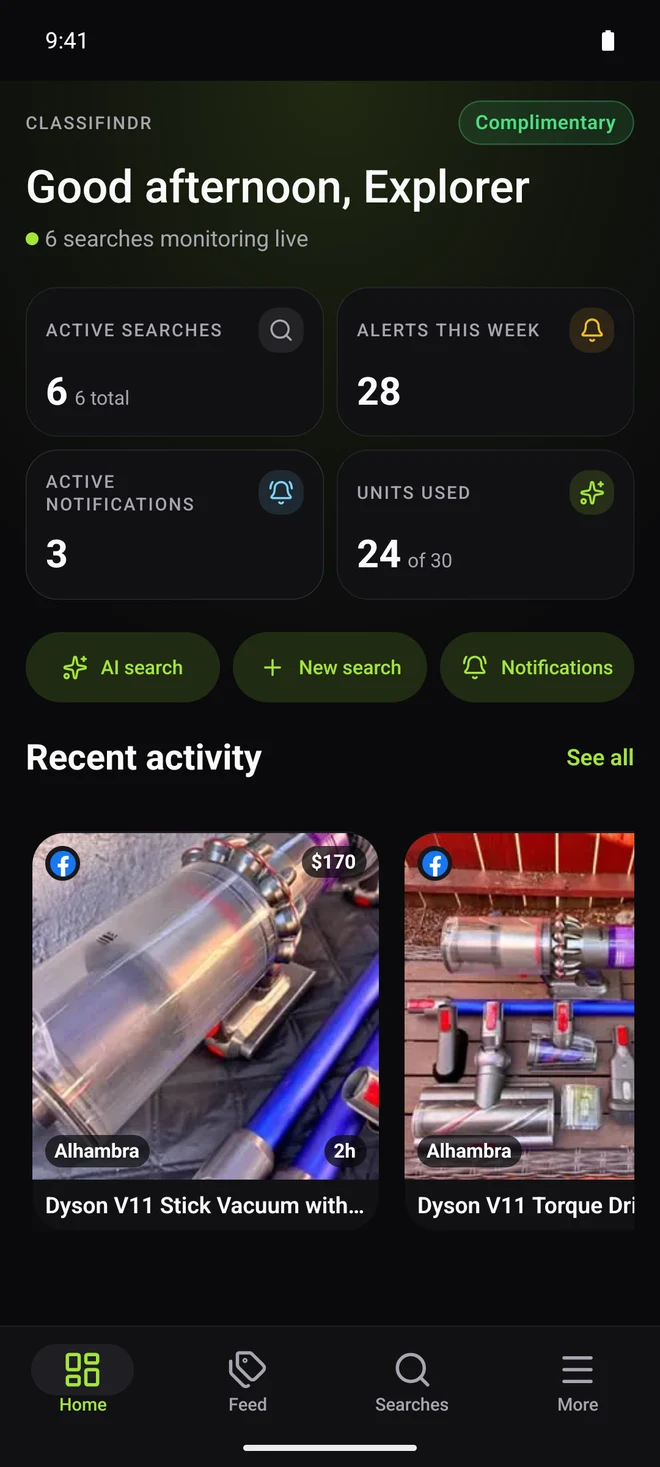
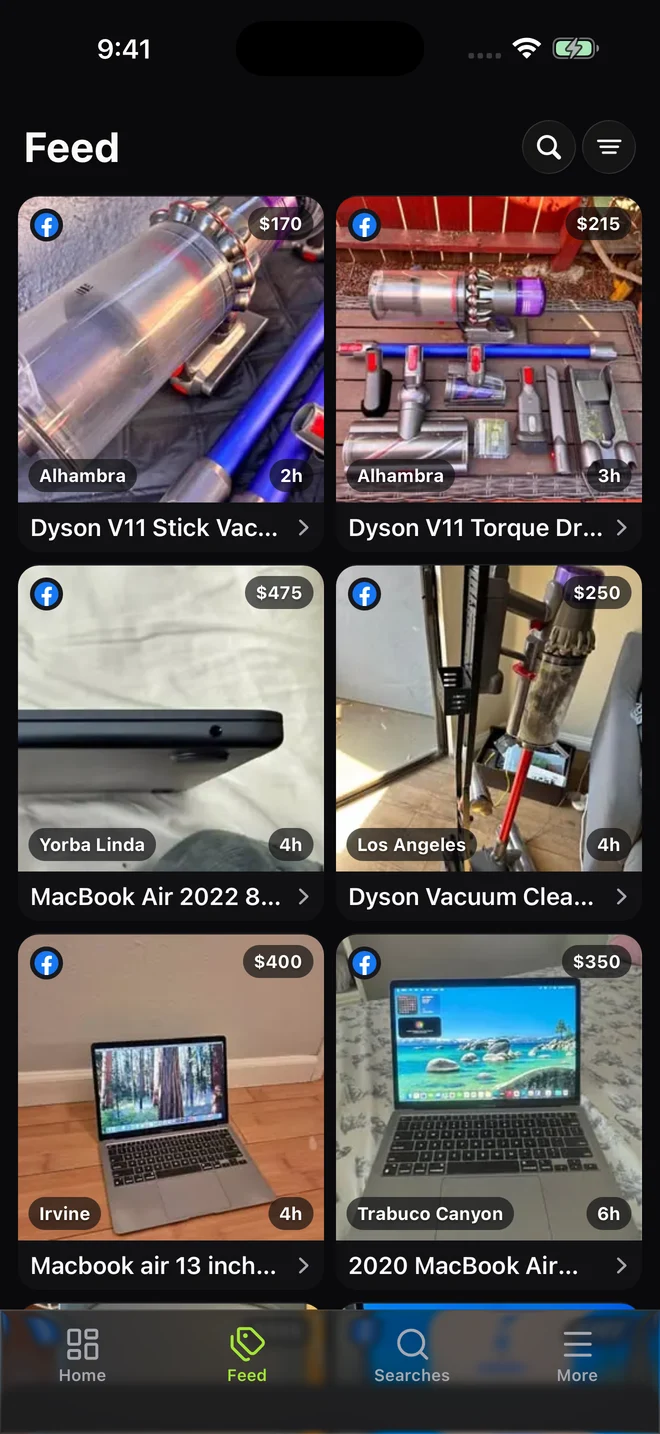
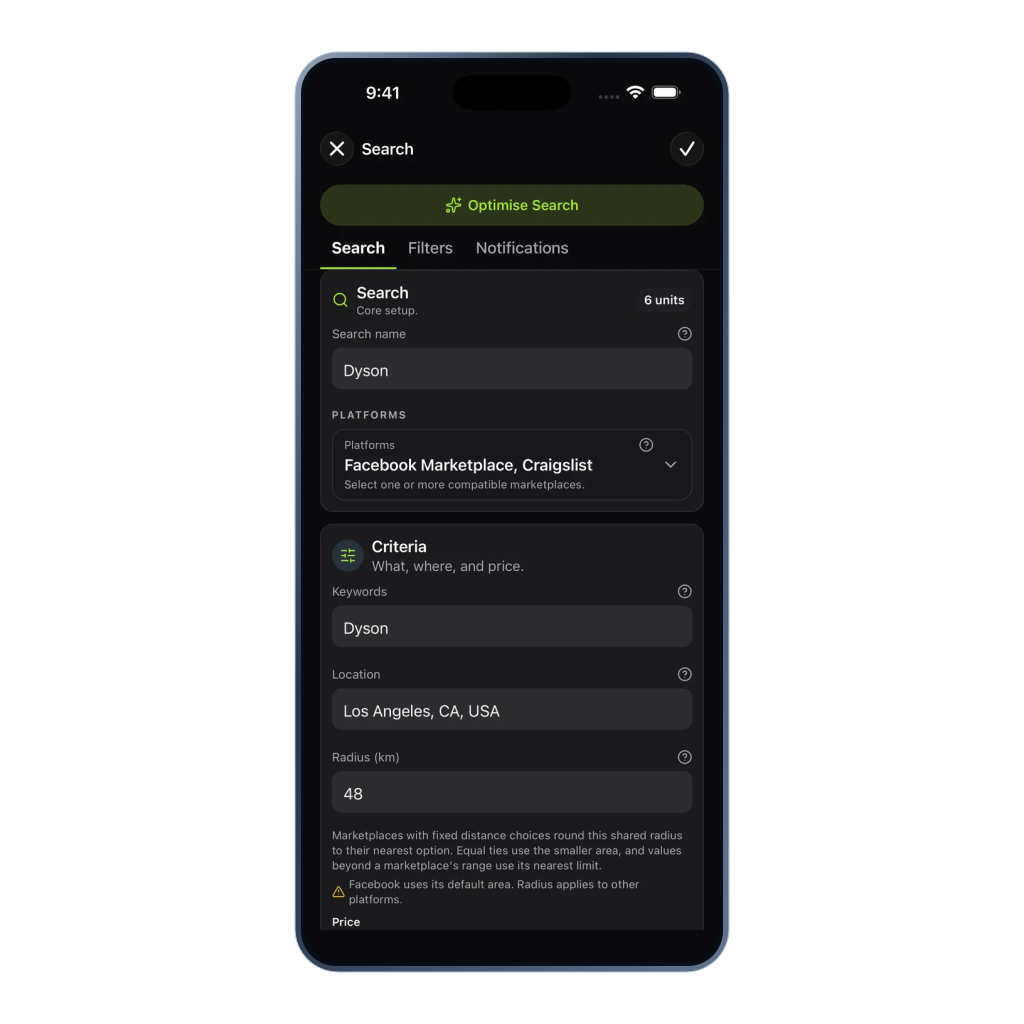
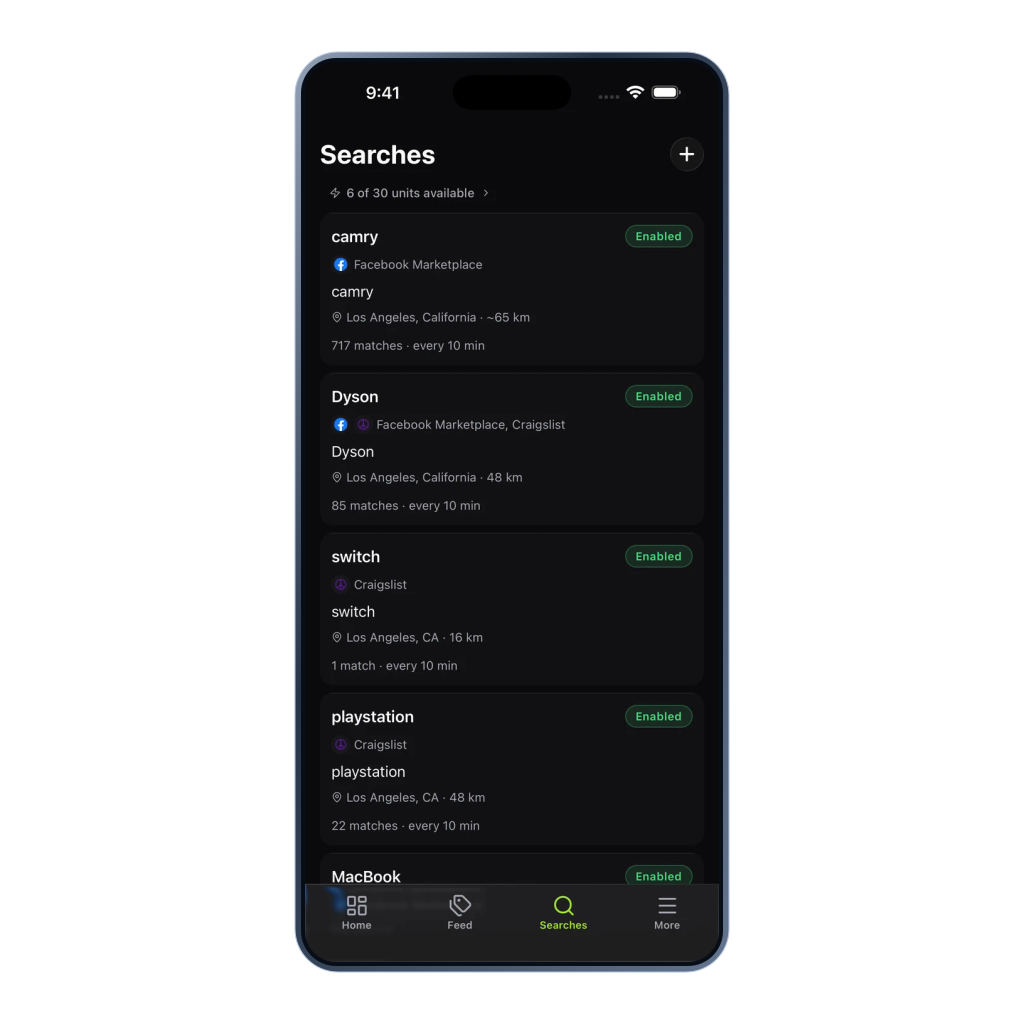
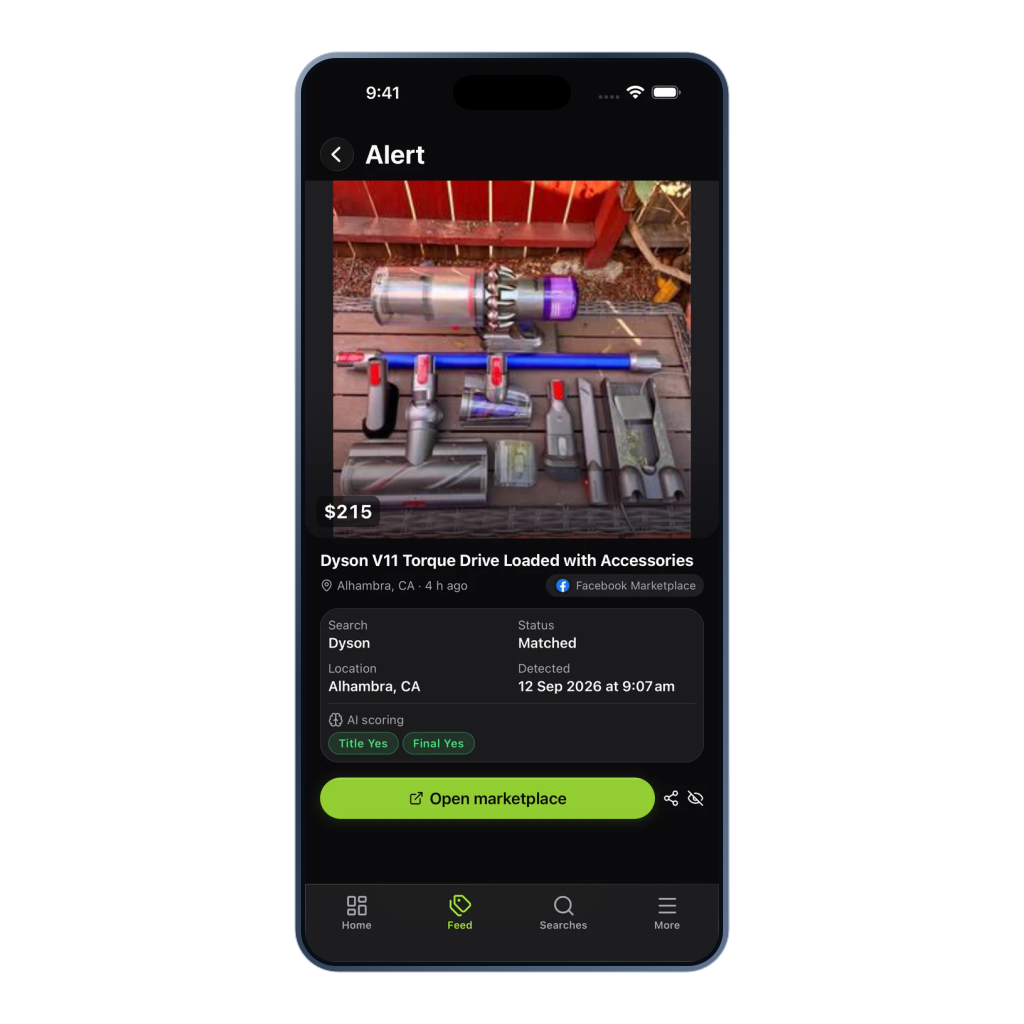
Actual app screens
THE APP, UP CLOSE
Select a device, then open a screen to take a closer look.
Why install the app
The web app is great for setup. The native apps are built for the alert moment, when a fresh listing needs quick review and a fast seller message.
Alerts can reach your phone through the standard iOS and Android push systems, subject to device and platform settings.
Open the alert feed, review match context, and jump to the original listing from the same phone.
Create searches, edit rules, pause searches, change supported channels, and review filtered-out listings without switching devices. Webhook creation, verification, rotation, history, and redelivery remain on the web portal.
App workflow
Use the mobile app to review new matches, edit search settings and check which searches are active.
Same plan, same data
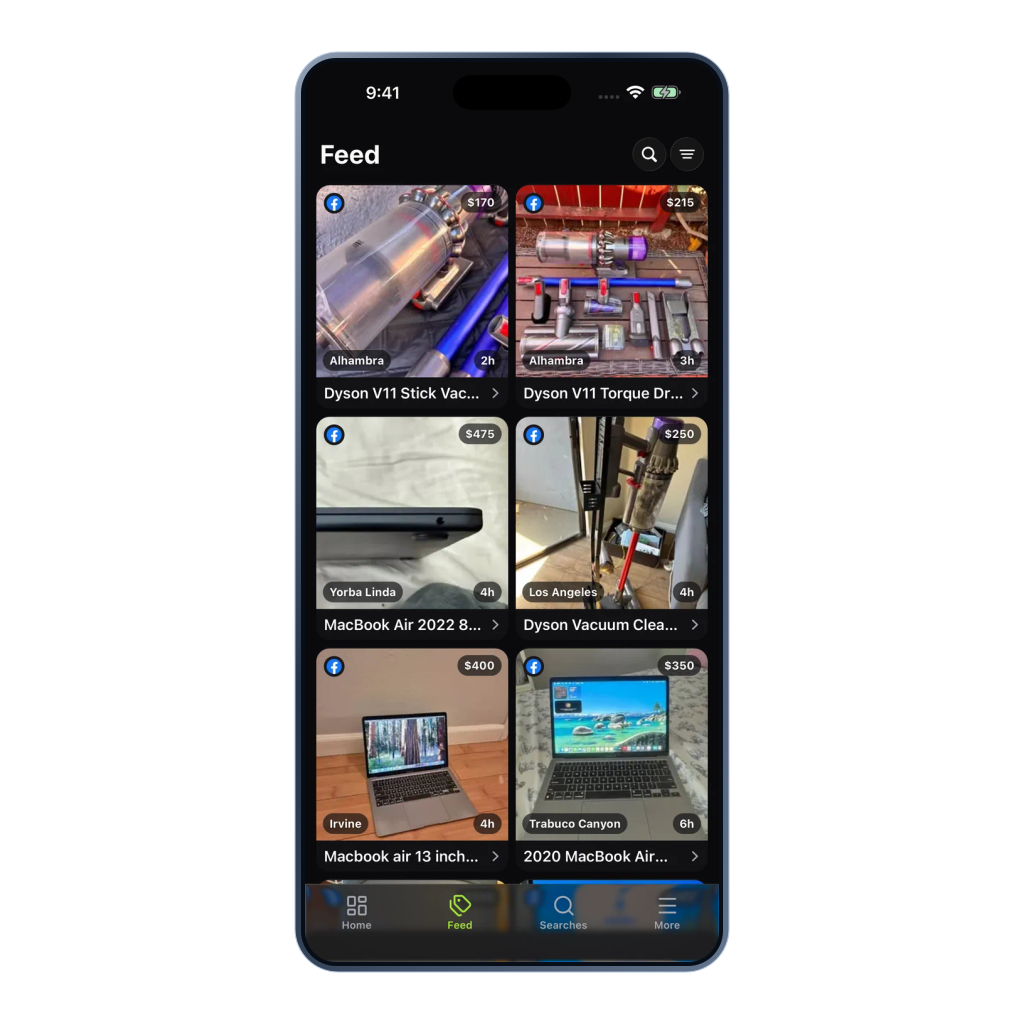
Create a detailed search on your laptop, then receive mobile push when a relevant match appears. Open the match detail on your phone, pause a finished search, and keep the same search status and unit balance across every device.
Mobile questions
Yes, the app is free to download. Your Classifindr plan is what you pay for, and there is one plan across web and mobile.
No. You can install the app first and sign up from there, or sign up on the web and log in on the app. Either order works, and your data is the same in both places.
The iOS app uses Apple Push Notification service (APNs) and the Android app uses Firebase Cloud Messaging (FCM), the standard systems for native app notifications. After a check finds a match, push notifications can reach your phone even when the app is not open, subject to device and platform settings.
Native push can deliver alerts whether the app is open, in the background, or closed, subject to Apple, Google, carrier, and device notification settings.
The app brings the core product to your phone. You can create searches with the AI search wizard, edit keyword rules, route alerts to supported channels, hide alerts you have already actioned, and toggle searches on or off. Webhook setup must be done in the desktop web app. Mobile can view and assign existing active webhook channels, while verification, URL changes, secret rotation, delivery history, and redelivery remain on desktop.
Plans and payments are managed on the web. The app shows your current plan and unit balance, and links out to the web portal when you want to make a change.