Keep pickup distance realistic
Choose the nearest of OfferUp's approximate 5, 10, 20, 30, or 50 mile settings. These are not strict boundaries.
OfferUp United States monitoring

Monitor supported U.S. OfferUp searches by location, one of five approximate native distance choices, price, category, condition, and keywords. Classifindr filters related-item noise and sends relevant matches where you can act quickly.

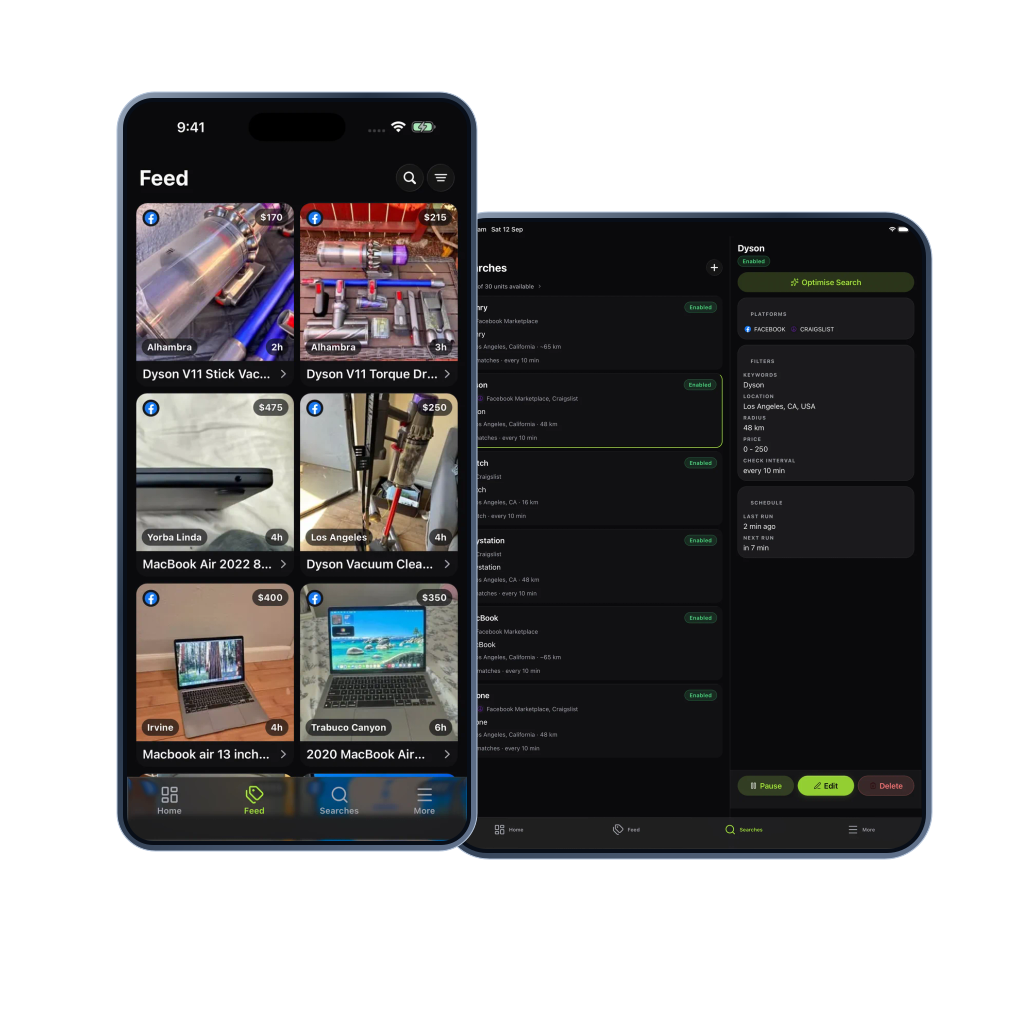
Search features
OfferUp is built around nearby items, seller chat, and local exchange. Classifindr helps narrow that experience into searches for furniture, vehicles, electronics, tools, home goods, and collectibles.
Choose the nearest of OfferUp's approximate 5, 10, 20, 30, or 50 mile settings. These are not strict boundaries.
Rules help filter accessories, broken items, broad suggestions, and condition mismatches before alerts reach you.
Review the match in Classifindr, then open OfferUp when the price, condition, and area look worth pursuing.
OfferUp alert workflow
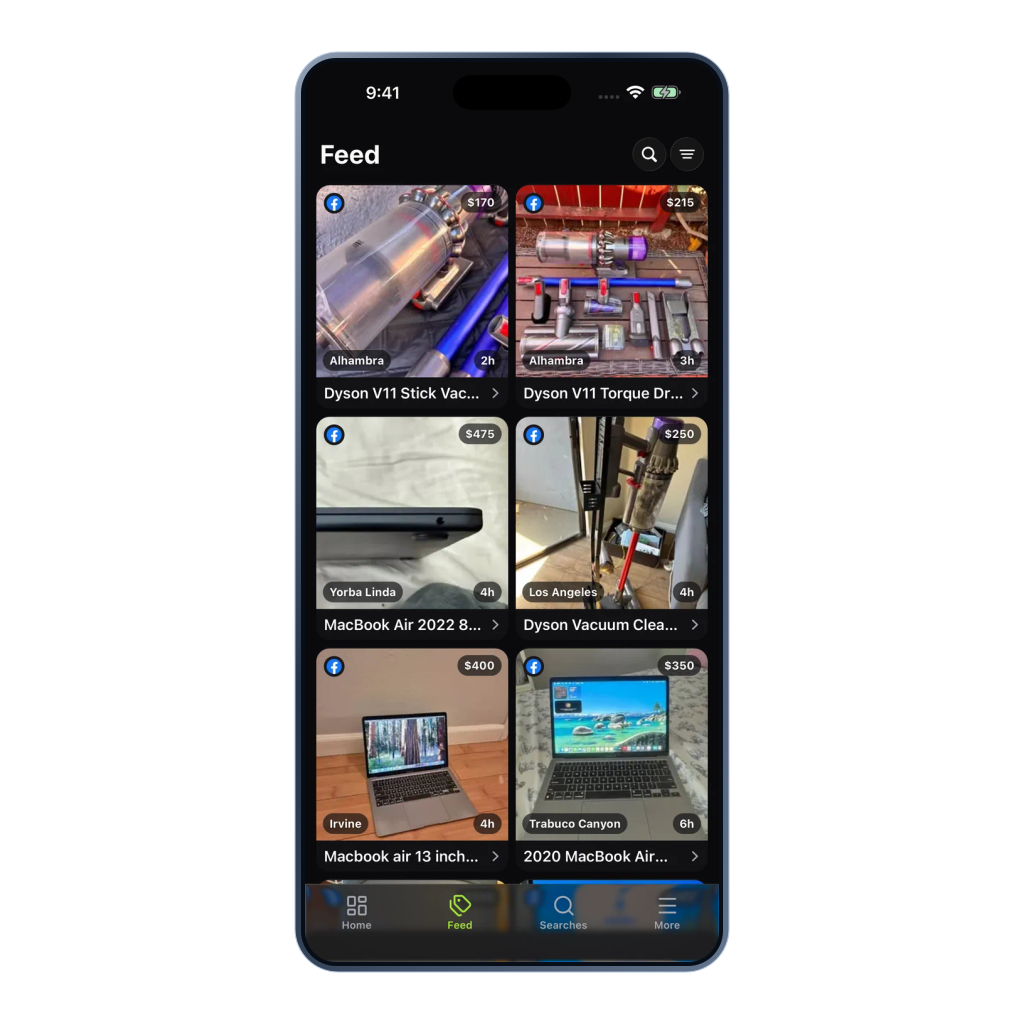
Set the pickup area, filter the noise, and let Classifindr surface matches when the search runs.

Search controls
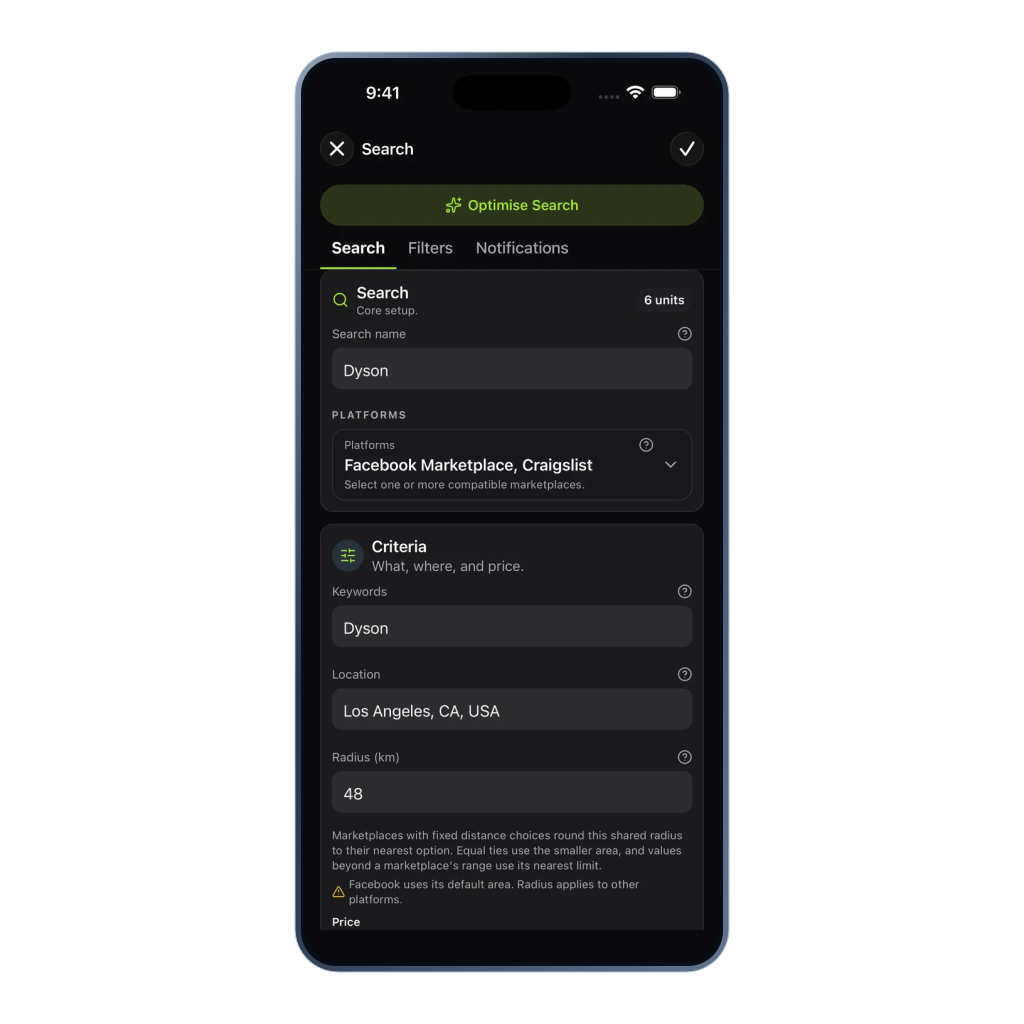
Configure OfferUp searches around pickup reality, condition, and the local deal window.
Choose a structured U.S. place and a 5, 10, 20, 30, or 50 mile setting. OfferUp treats these as approximate areas, not strict boundaries.
Target vehicles, electronics, furniture, tools, home goods, clothing, collectibles, or other supported categories.
Filter new, open box, refurbished, used, broken, or other supported condition states where they fit the search.
Use brand names, product families, model numbers, bundle terms, and seller phrases that signal the right item.
Set the budget, resale spread, or savings threshold before reviewing local pickup matches.
Avoid repeated alerts for listings already seen and send new matches to mobile push, Telegram, Discord, email, or Web Push.
The better OfferUp workflow
Manual refresh loop
Open OfferUp again, sort through related items, and keep adjusting the same area and category.
The right couch, console, tool bundle, or vehicle appears nearby, then gets buried before you check again.
Cases, parts, broken items, and loose suggestions crowd out the item you actually meant to buy.
Classifindr watch loop
Classifindr checks supported OfferUp results for your chosen area, native distance setting, category, and terms.
Rules and filters help the listings worth opening reach you without every related item tagging along.
Mobile push puts urgent local pickup searches where you can see them quickly.
Trust and coverage
Classifindr supports OfferUp monitoring for U.S. searches. It works with supported public listing data on a best-effort basis and does not ask for OfferUp credentials.
OfferUp searches need a structured U.S. location so the integration can target local results correctly.
Classifindr does not need your OfferUp account to monitor supported public search results.
Listing availability, ordering, removals, and access can vary at the time each check runs.
Example watches
OfferUp is strongest when the nearest native distance setting, condition, and exact item terms are clear from the start.
Track couches, dining tables, office chairs, or bedroom sets using the nearest approximate OfferUp distance setting, plus a price cap and condition filter.
Track a make, model, and budget around one U.S. city, then exclude salvage, parts, project, and dealer-style wording.
Use exact model terms, bundle phrases, condition filters, and price targets to spot local finds without scrolling every day.
Related resources
Use these resources when related items, local pickup, and mobile notifications need sharper control.
Other supported platforms